4 November 2026
SeatMapchangelog
Everything that’s new, improved or fixed in SeatMap.From live seats and AI picks to the smallest fixes.
Nov 4
Airline pages and comparisons
- New
Seat maps for every airline’s fleet
Pick an airline to see each aircraft it flies, the cabins on board and their seat plans, then open any of them as a full seat map before you book.
- New
SeatMap next to SeatGuru and the rest
Side-by-side pages for SeatGuru, ExpertFlyer, AeroLOPA and other seat map sites show what each one does, what it costs and when to use it, with every fact checked on its own site.
- Fixed
The right arrival day on overnight flights
Flights that land the next day, or cross the date line, now show the right arrival date and flight time, worked out from each airport’s own time zone. Doha, Istanbul and Berlin flights had no time zone before and now show theirs.
- Improved
Your plan, invoices and promo codes in Settings
Settings shows your plan and when it renews, with your invoices, a way to cancel or switch to yearly, and a box for promo codes, all without leaving the page you’re on.
Oct 30
AI seat picks and side-by-side flights
- New
Let AI pick your best seat
Say how you like to fly, such as a quiet window seat with extra legroom for an overnight flight, and SeatMap ranks the seats on your flight with the reasons for each pick.
- New
Compare two flights side by side
Put two flights’ seat maps next to each other and scroll them together, to see which aircraft and cabin is the better one on your route.
- Improved
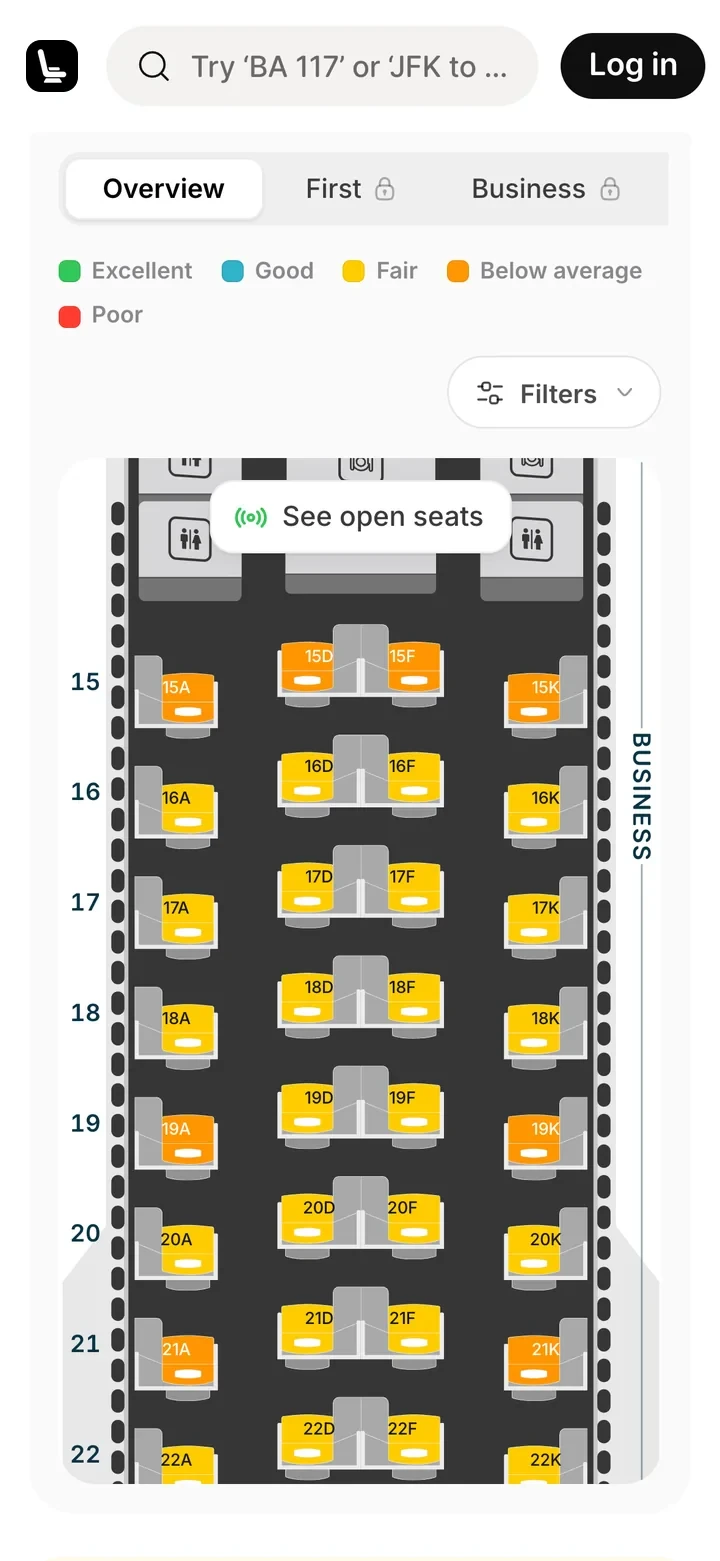
See where the good rows are
Each cabin now charts its seat scores from nose to tail, so you can tell at a glance which stretch of rows to look at first.
- Improved
Faster photos and pages
Images are now sized for your screen once and kept close to you, so seat maps, cabin photos and airline logos load faster on every visit.
Oct 23
Cabin photos and a new flight search
- New
Cabin photos and 360° views
Flights with photos of their cabin show them on the cabin card. Open the full-screen viewer to step through them, or look around a 360° view of the cabin.
- New
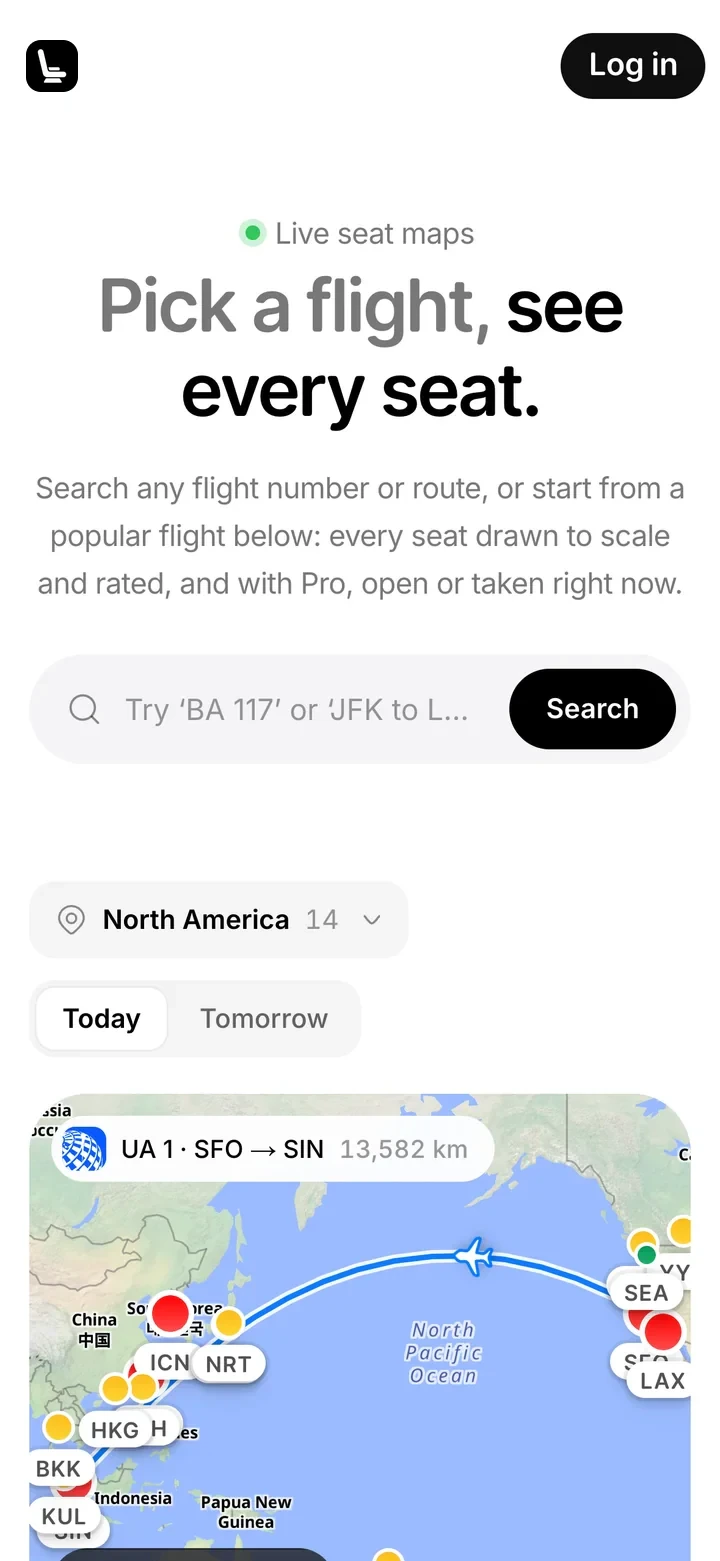
Popular flights beside a live route map
The seat map search opens with popular flights as cards. Point at a flight and the map beside it draws the route and flies a plane along it.
- Improved
Choose the day you fly
Pick your travel date from a calendar when you search, or change it on the flight page, so the seats you see are for the day you fly.
- Fixed
Seat details hidden under the header
Pointing at a seat in the first rows opened its details under the page header. They now always open in full below it.
Oct 20
Live seat maps for any flight
- New
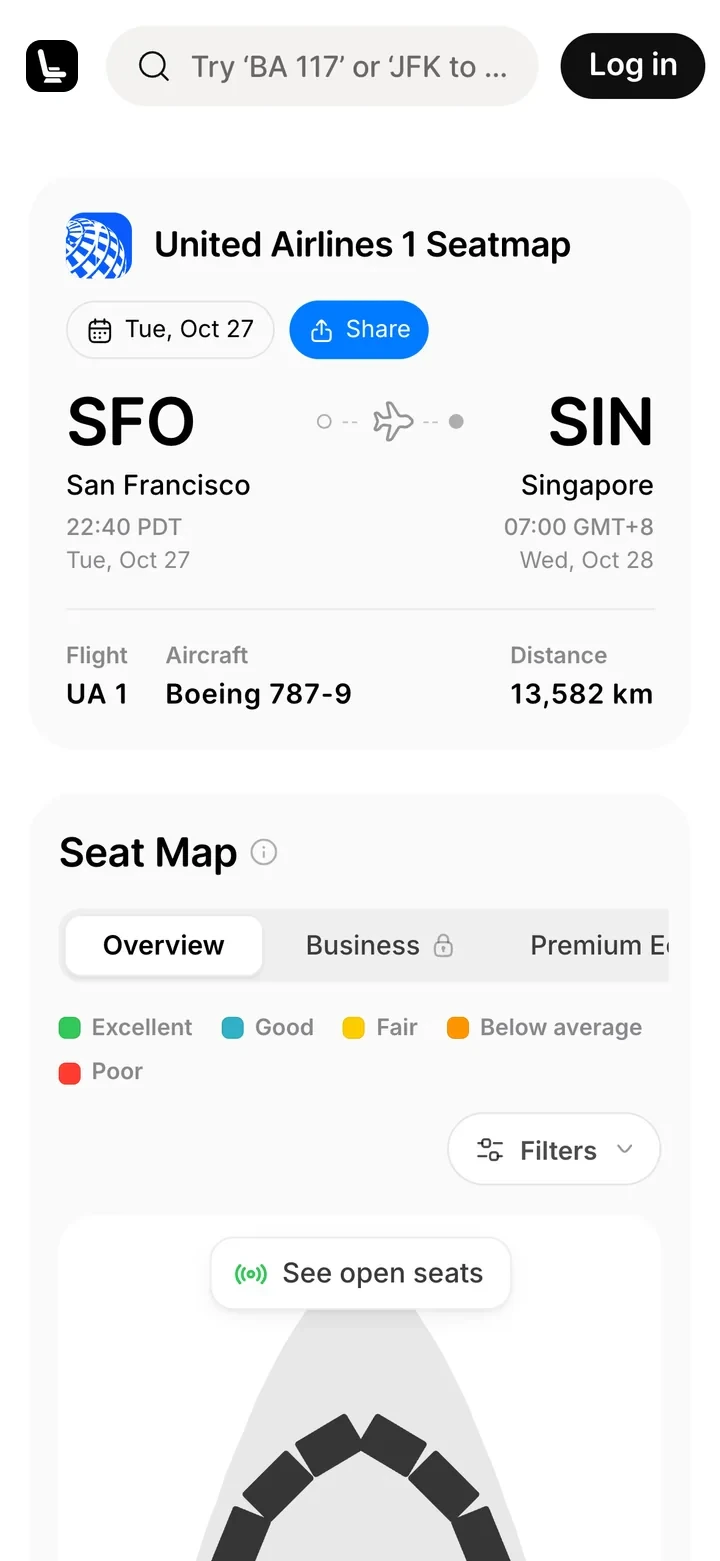
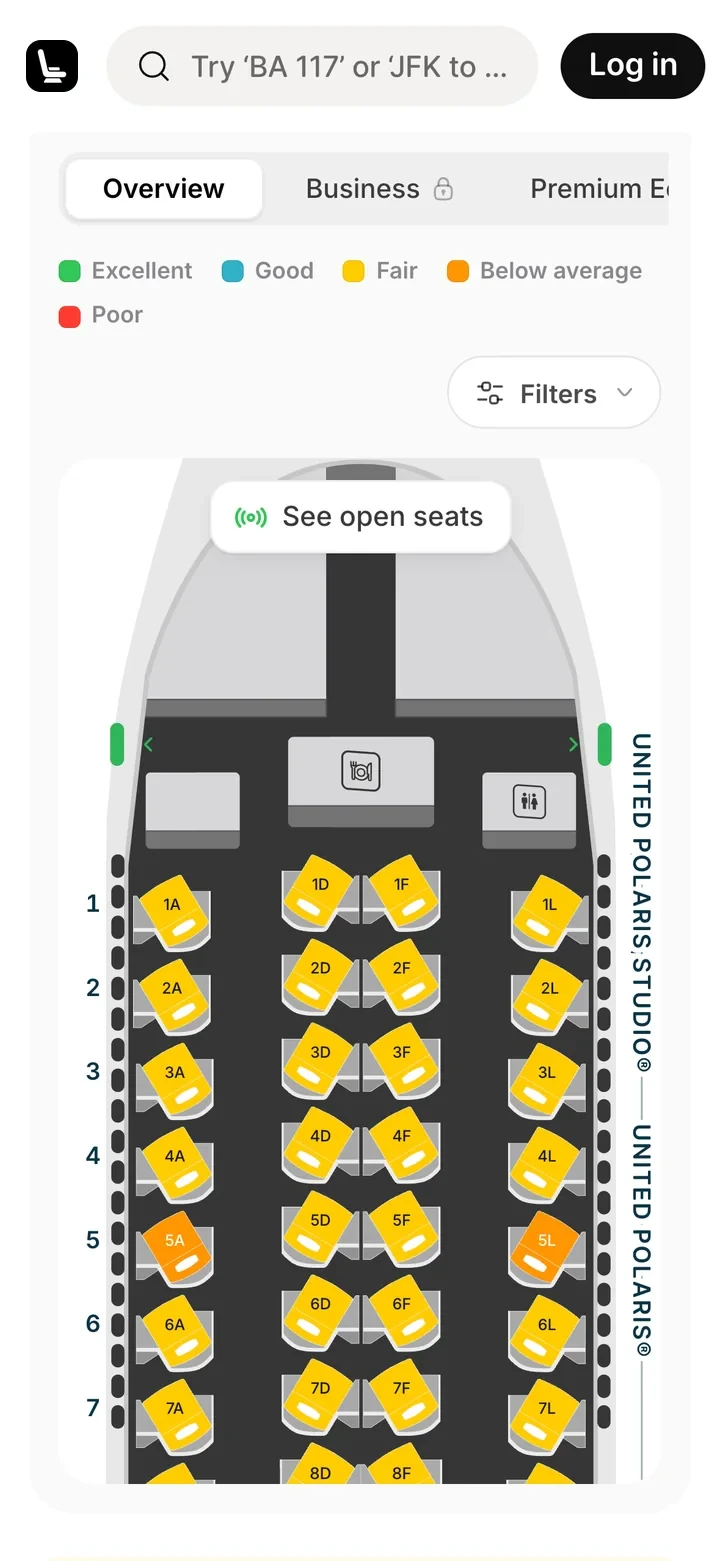
Live seat maps by flight number
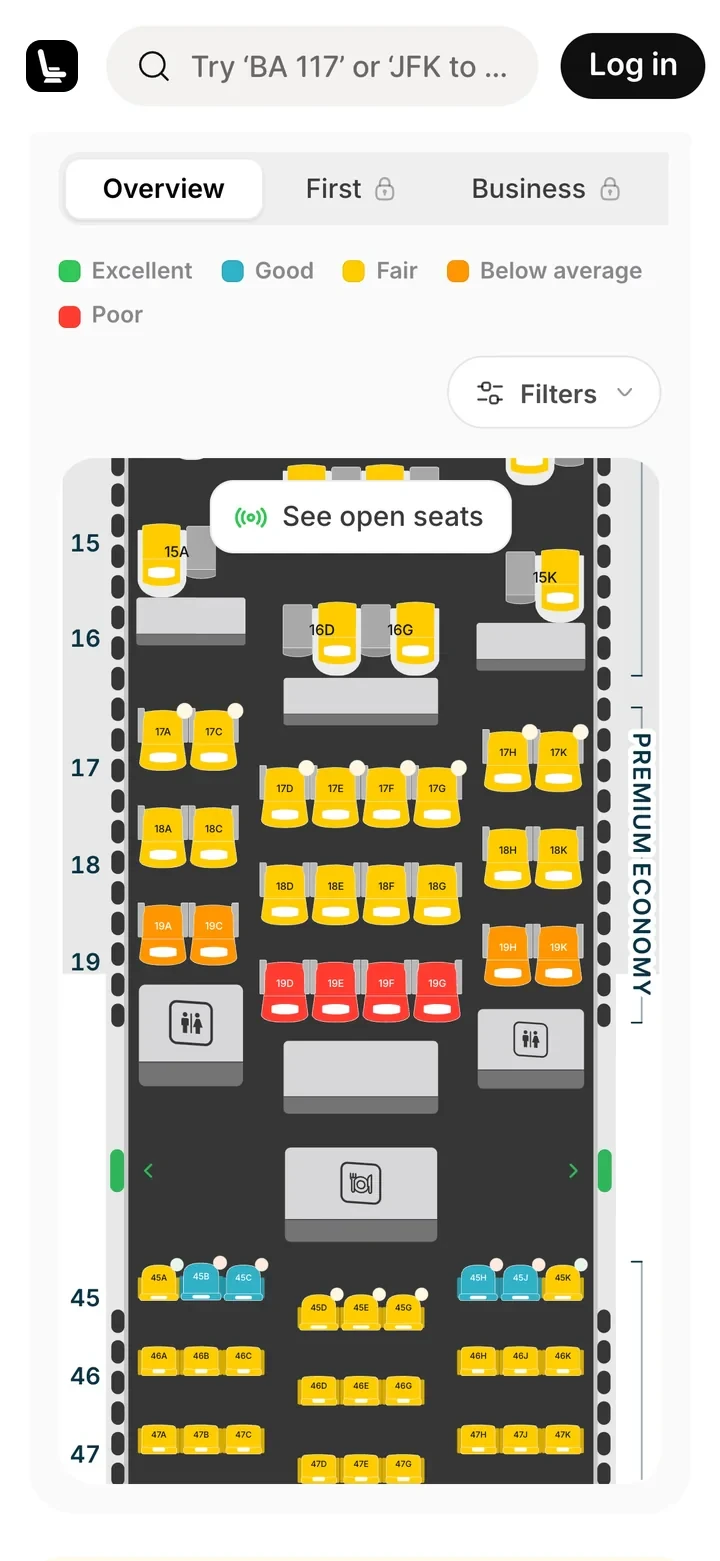
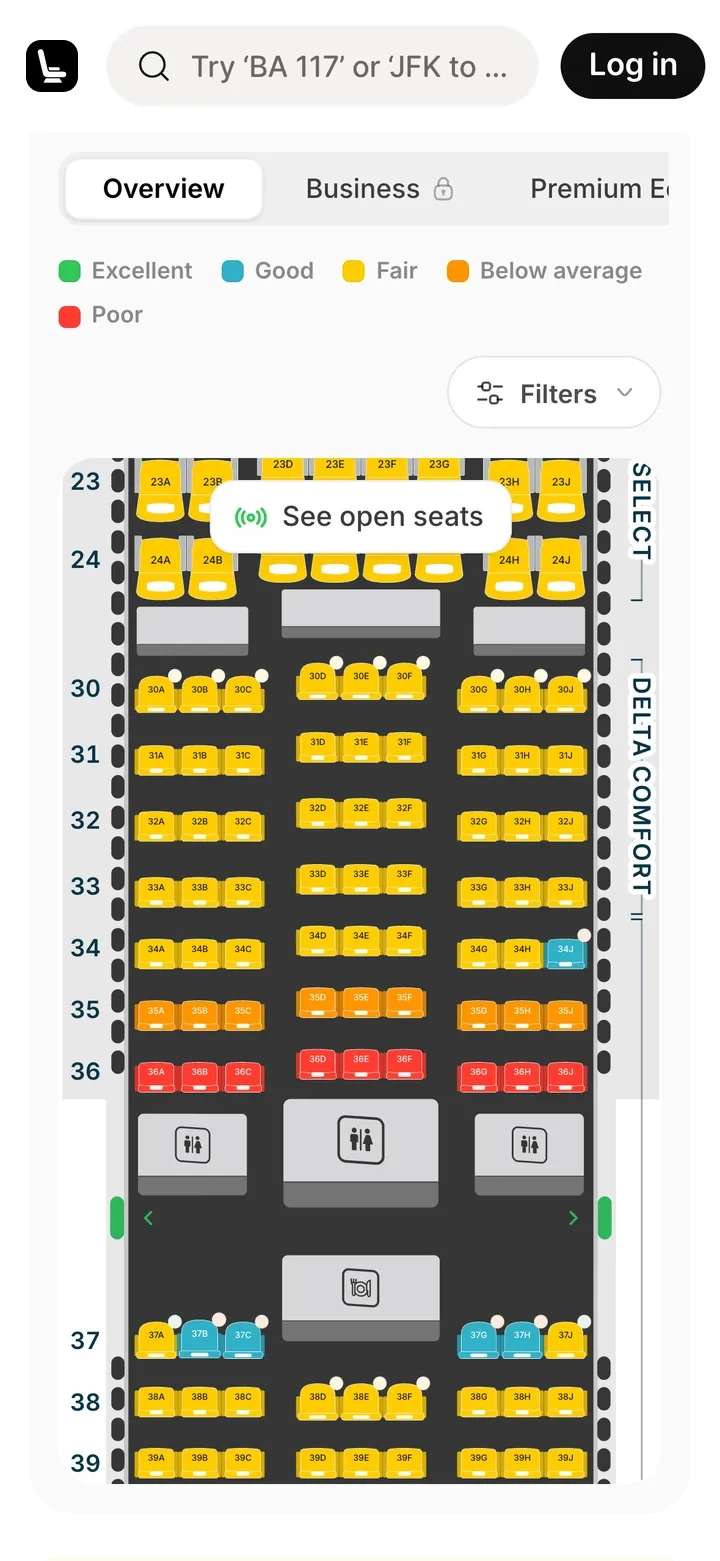
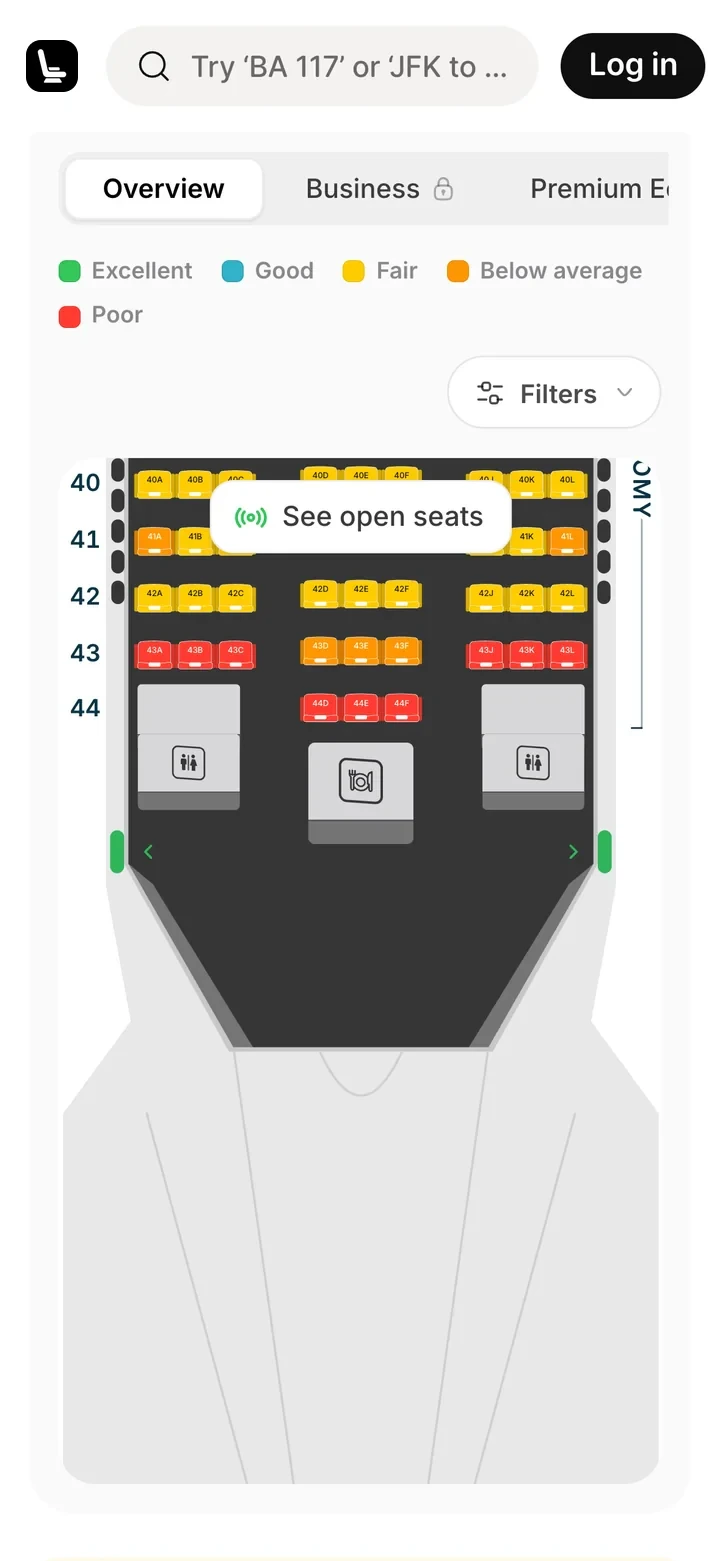
Type a flight number to see its aircraft drawn to scale, with every seat rated for legroom, width and where it sits.
- New
SeatMap Pro
Pro unlocks every cabin and the seats that are open right now. Pay monthly or yearly, and manage or cancel your plan from billing yourself.
- Improved
Smoother moves between cabins
A placeholder aircraft and seats hold the space while a cabin loads, so switching cabins no longer flashes an empty page.
- Improved
Sheets that fit your phone
On phones, search, the seat map’s panels and your account menu open as sheets from the bottom of the screen, within reach of your thumb.
Find your seat.
Fly better.
Type a flight number to see your cabin drawn to scale: which seats are open right now, legroom, exit rows and reviews from people who sat there.